Tech Support & Computer Repair in Belleville, IL
Patient, jargon-free help for seniors, families, and local businesses
Slow computer? Wi-Fi down? Scam pop-ups? Peyton Clark provides local tech support in Belleville and the Metro East — in your home or remotely. No question is too simple.
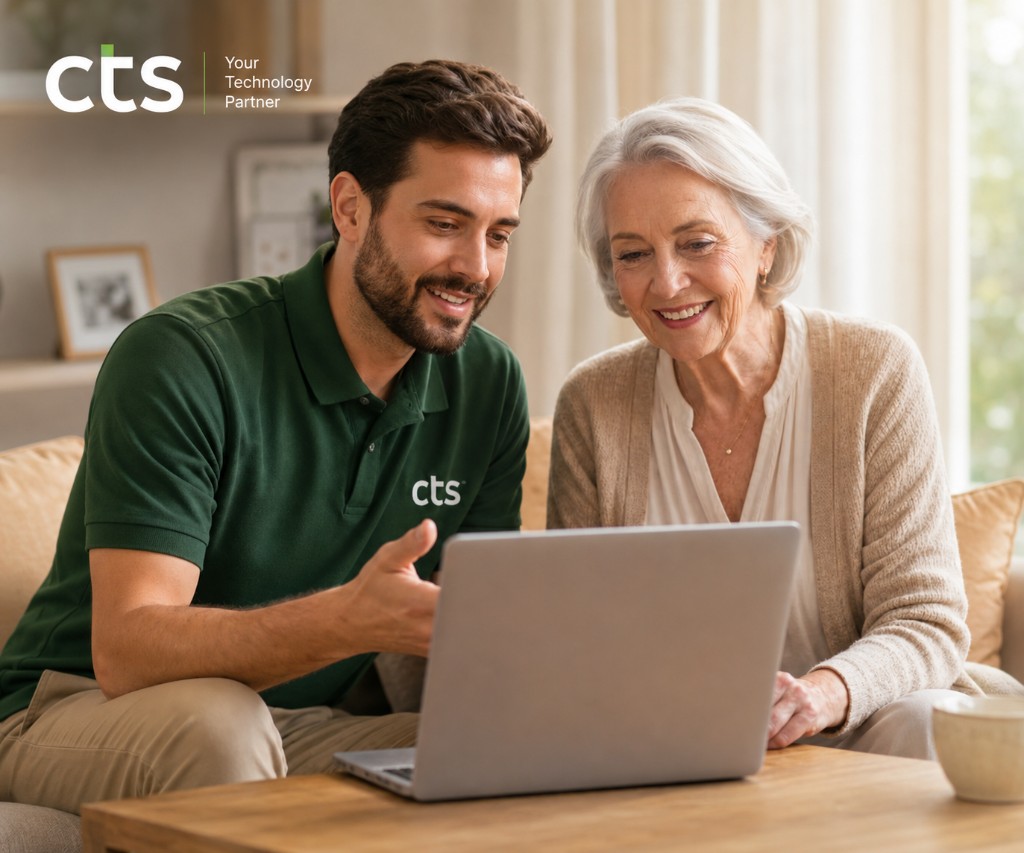
Technology Should Make Life Easier, Not Harder
We don't talk down to you, and we don't rush. We explain how your devices work in plain English, ensuring you feel confident and secure.
Scam & Fraud Protection
Worried about strange pop-ups or scam emails? We install professional ad-blockers, set up secure passwords, and teach you how to spot and avoid fraudulent calls and messages.
Patience & Understanding
We go at your pace. We write down step-by-step instructions in large, clear print for you to keep, so you can refer back to them whenever you need.
Local & Trustworthy
Peyton is a real, local Belleville neighbor—not a faceless voice in a remote call center. You get the same friendly technician every single time you call.
How We Can Help You Today
Whether you need help setting up a new tablet, fixing a wireless printer, or simply learning how to use video calls to stay in touch with family.
Phones, iPads & Tablets
We make text larger, adjust brightness, organize your screen, and teach you how to send messages, share photos, play games, and make FaceTime video calls with grandkids.
- ✔ iPad, iPhone, and Android setup
- ✔ Making text larger and easier to read
- ✔ Organizing apps so they are easy to find
Printer & Device Setup
Printers can be incredibly stubborn. We set up new wireless printers, clear print queues, replace ink cartridges, and connect your phone or computer so you can print hassle-free.
- ✔ Setting up new wireless printers
- ✔ Fixing printer connection errors
- ✔ Laptop and desktop computer tune-ups
Scam Blockers & Safety
We protect your privacy. We clean up viruses, install quiet ad-blockers that stop scam pop-ups, set up secure passwords, and provide a checklist to help you spot fraudulent messages.
- ✔ Cleaning viruses and slowing computers
- ✔ Installing ad-blockers to stop scam pop-ups
- ✔ Password organization and security setup
Wi-Fi & TV Streaming
Frustrated with slow internet or confusing TV remotes? We help improve your home Wi-Fi signal, set up smart TVs, and show you how to watch your favorite shows on Netflix, Hulu, or YouTube.
- ✔ Eliminating Wi-Fi "dead zones" in your home
- ✔ Setting up smart TVs and streaming devices
- ✔ Connecting tablets and phones to Wi-Fi
Keep Your Identity & Savings Secure
Digital scams have become incredibly sophisticated, often targeting seniors with fake computer virus alerts or fraudulent bank messages. We don't just fix devices—we build a digital fortress around them. We'll set up automatic backups, configure secure ad-blockers, and sit with you to explain the exact signs of a scam so you can browse with complete peace of mind.
Read our free Scam Prevention Guide
Hi, I'm Peyton Clark
I started Clark Tech Solutions in 2019 right here in Belleville because I saw how frustrated my own grandparents were when trying to use modern technology. Every service call they made ended with a technician rushing through the job, using confusing tech jargon, or charging high prices for simple fixes.
I believe you deserve better. When I visit your home, I treat you with the same patience and respect I show my own family. We'll sit at your kitchen table, have a cup of coffee, and work through your technology questions together at your pace. You will never feel rushed, and you will never be made to feel silly for asking a question.
What Your Belleville Neighbors Say
We take pride in providing reliable, gentle support. Here is feedback from local residents and families.
“Peyton is an absolute angel. He came to my home in Belleville, sat with me for over an hour, and helped me set up my new iPad. He wrote down every step in big, clear handwriting so I wouldn't forget. I finally feel confident calling my grandchildren!”
“I was terrified after receiving a flashing pop-up saying my computer was locked and I had to call Microsoft. I called Peyton instead. He came over, explained it was just a fake scam page, cleaned my computer, and installed a blocker. He saved me thousands of dollars!”
“As a caregiver, I live two hours away from my elderly mother. Peyton has been a lifesaver. He visits her home whenever her printer or Wi-Fi acts up. He is incredibly trustworthy, professional, and sends me a clear text message after every visit. Absolute peace of mind.”
Schedule an In-Home Visit
Fill out the simple form below, or call Peyton directly at (314) 252-0681. We respond to all requests within 2 hours.